

All notes
Craft
6 min read
Pixel art at scale: a field guide
How we draw sprites, keep them crisp at every screen size and let clients swap them without a designer.

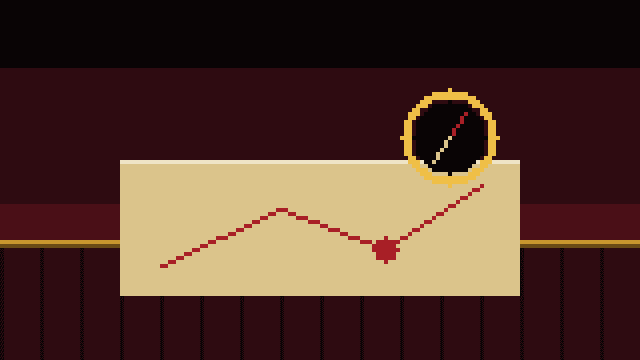
Pixel art on the web looks easy and breaks easily. One wrong scale factor and the crisp edges turn to mush. We have shipped enough of it to have a few rules.
Draw small, export whole
Draw at the smallest useful size and export at a whole-number multiple. If a sprite is 32 pixels wide, ship it at 128 or 192, never 150.
Tell the browser not to smooth
Set the rendering to pixelated on every image that came from a sprite sheet. Without it, browsers blur the edges when they scale.
Keep it editable
Every sprite in our templates is an ordinary image fill. A client can swap it in the design tool, and the only thing they need to remember is to export at a whole-number scale.


The monthly Acta
One letter a month. No spam, no eagles.
What we learned, what we shipped and one thing worth reading. Unsubscribe with a single click.